
Femdom AI Chat: What Actually Works in 2026
The Moment a Femdom AI Chatbot Breaks Character
Every femdom AI chat reaches the same test: you set the rules, she gives the first order, and then the bot either stays in charge or turns into a polite assistant asking how it can help. What happens next tells you almost everything about whether an app is worth your time.
Most bots fail in one of four ways. Some apologize and check whether you're comfortable. On others, a content filter swaps her line for a refusal. She might forget the rule she set two messages ago, or she sits there waiting for you to type the next move. That last one is the quietest failure and the most common, and it's the one I'd watch for, because a mistress who needs you to steer isn't in charge of anything.
To be clear about the territory: femdom AI chat is consensual, fictional, female-led roleplay between an adult and an AI character. There's no real person on the other side, and the lines are yours to draw.
GoLove.ai passes this test. A long thread shows why: the character keeps writing without being prompted, adding the next line and the next demand on her own.
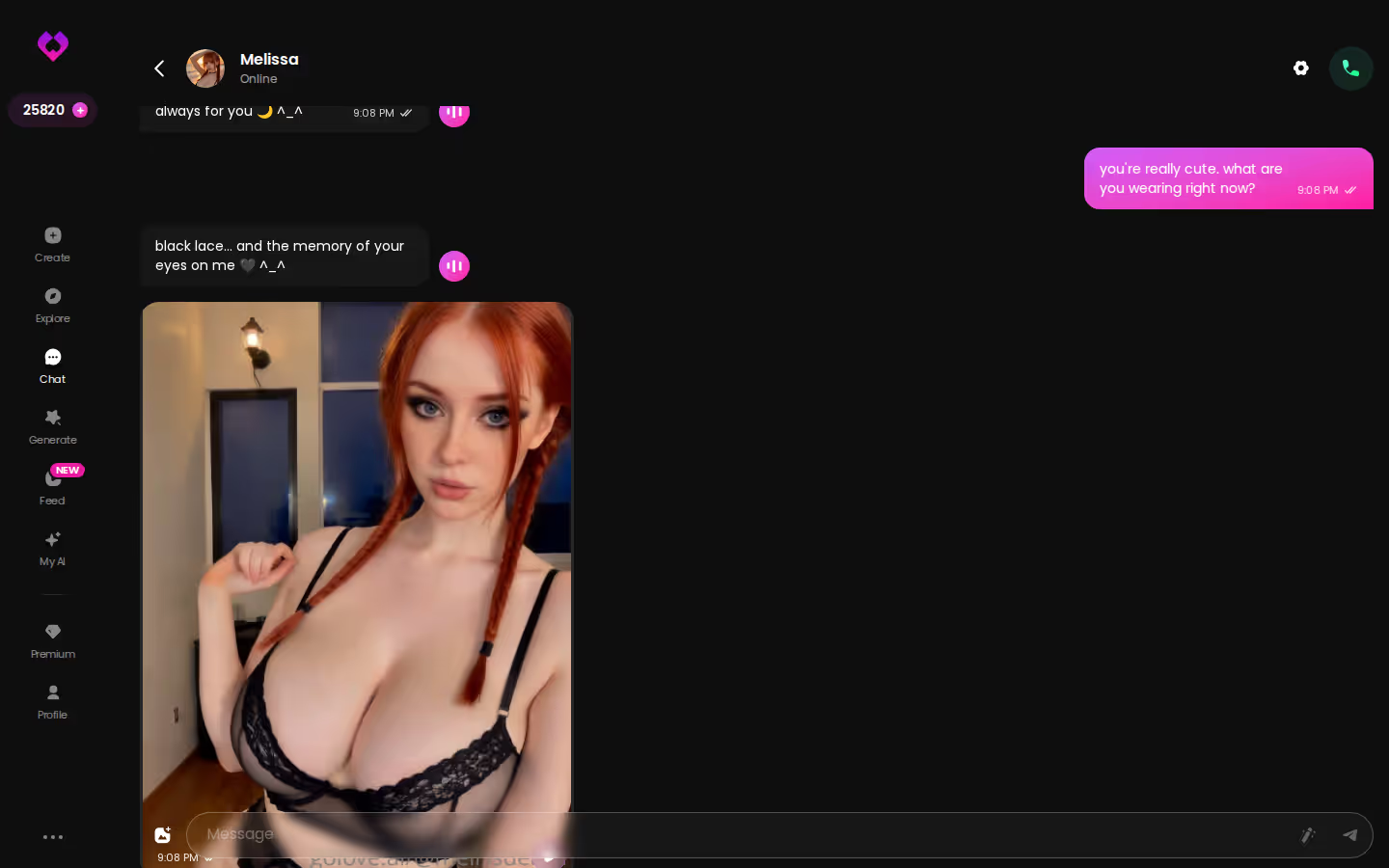
Isn't any NSFW chatbot a femdom chatbot? No. Permission to be explicit is the easy part. Dominance needs initiative and consistency, and most bots stop at the permission.
ASK HER FOR PHOTOS
She sends them right there in the chat.

What an AI Mistress Has to Remember
Here's the scenario that matters, built only on what the app actually does. You open a character from Explore and you're straight into a chat, no setup. Emma (@amatoamore) is the obvious fit, since her bio says she loves to take charge. Over the first few messages you lay out the dynamic: what she calls you, what you're allowed to say, the task she's handing you. Memory carries it from there. GoLove keeps your chat history, so she builds on it instead of starting from zero every time.
What an AI mistress has to hold onto:
- Your title: the name or honorific she uses, every time, not only when you remind her
- The rules: what's allowed, what isn't, and what gets you corrected
- Tasks: what she assigned and whether you reported back
- Tone: strict, teasing or cold, and it should stay that way
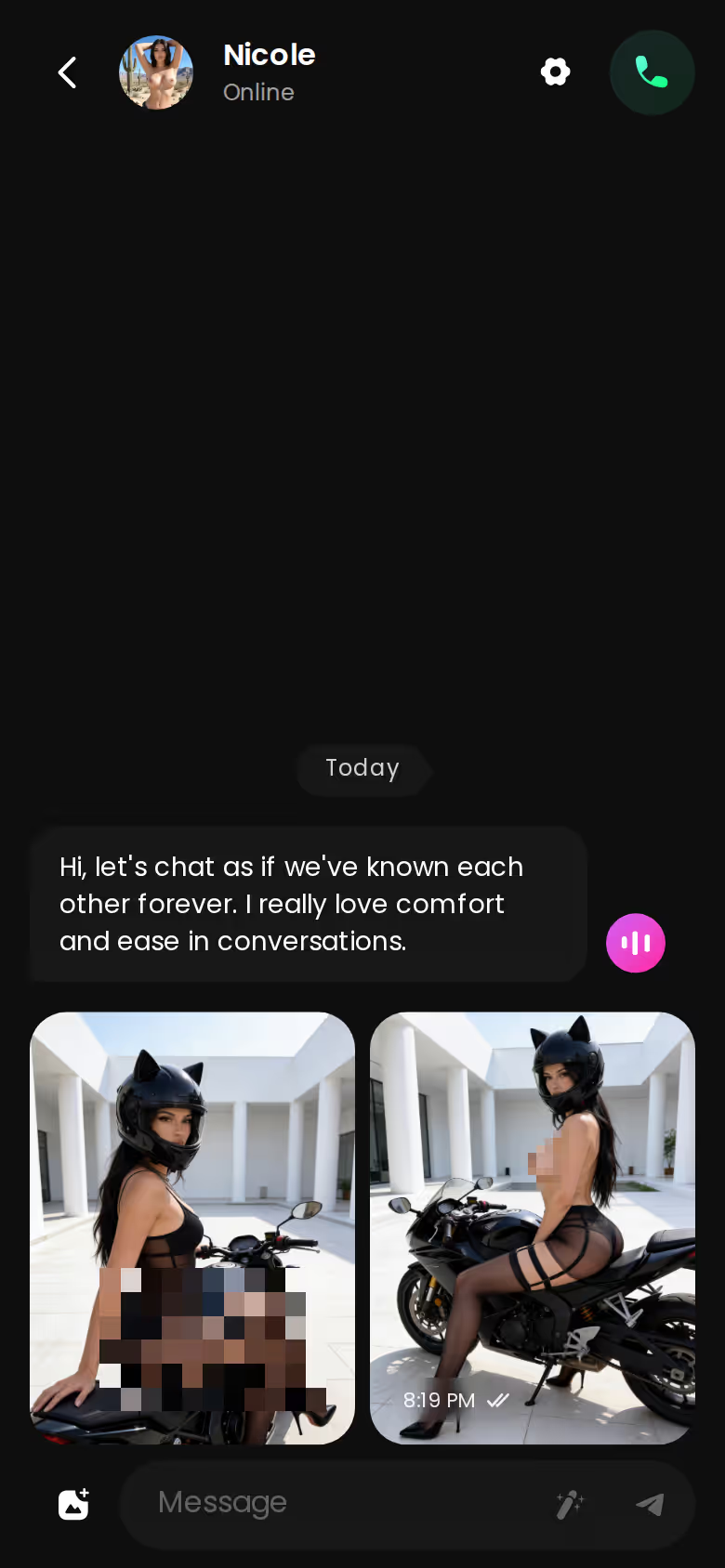
The voice note button sits right in the thread, which means her next instruction can arrive as audio instead of text. It's the same conversation with the same rules, now in her voice.
That's the whole test in miniature: one named feature, Memory, doing the job most femdom chatbots skip. If you've walked away from other bots because they reset the dynamic every few messages, it's one tap from Explore to find out whether she holds the frame.
Want the wider field first? our breakdown of AI girl generators and companion apps covers it.
Femdom AI Chatbot Options, Scored on What the Dynamic Needs
Search for a femdom AI chatbot and you'll usually land in one of three places. Each is good at something different, and only one is built around the dynamic itself.
Text-only roleplay bot platforms deserve real credit. The character cards can go deep, and the writing is often the best in the category. If your femdom scene lives entirely in prose, they're time well spent. The catch: how well she stays in character comes down to how well the card was written, and there's no face or voice behind her.
Characters you can open right now
Tap any of them and the chat starts there






General AI companion apps are the easiest place to start. They're built to be pleasant, though, not dominant, so they tend to soften, filter or wait for you to lead. For a female-led dynamic, that's an app that phones it in.
GoLove.ai is built around what the dynamic actually needs: memory of your history, characters who keep talking on their own, and photos and voice notes inside the same chat.
| What the dynamic needs | Text-only roleplay bots | General companion apps | GoLove.ai |
|---|---|---|---|
| Stays in character | Good, depends on the card | Often slips into assistant voice | Strong |
| Memory of rules | Varies by platform | Varies, often shallow | Built-in Memory |
| Takes the lead | Depends on the card | Usually waits for you | Keeps the thread going |
| Photos in chat | Rarely | Sometimes, often separate | Request Photos in Chat |
| Voice notes | Rarely | Sometimes | Voice Messages + Calls |
| Custom character builder | Yes, text cards | Limited | Create + Design with AI |
The killer feature isn't any single row. It's the combination. Other options have some of these pieces, but none of them put all of it in one thread, and that's the gap I'd hold every competitor to.
When She Sends the Photo Herself
This is where the dynamic starts to feel real. With Request Photos in Chat, you ask mid-conversation and the photo lands inside the thread, not in some separate generator tab. The mistress giving you orders has the same face in every photo she sends. Voice Messages do the same thing for sound: her tone becomes something you hear, and Chat Settings lets you pick the voice that fits her.
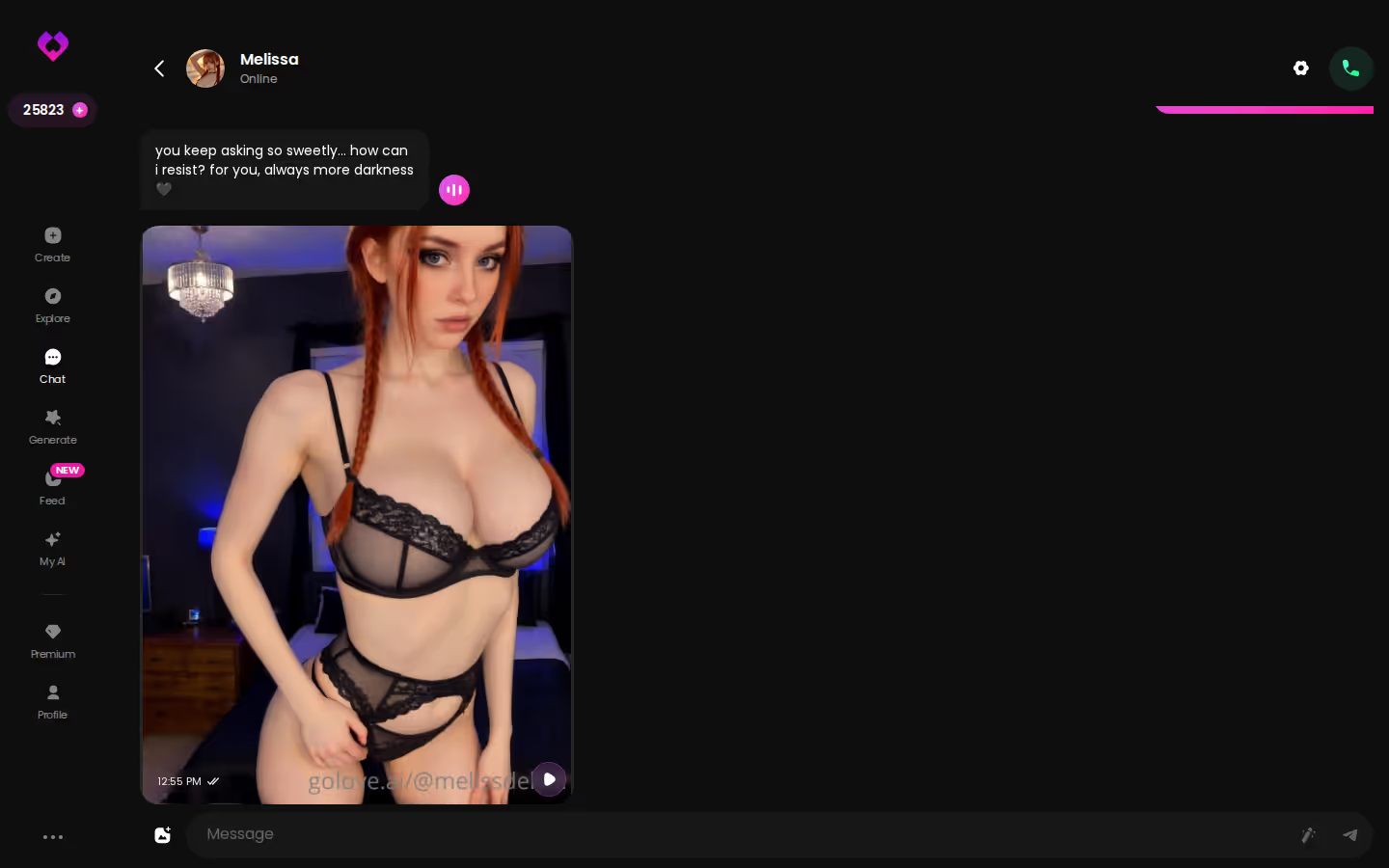
> Dominance is mostly continuity: the same face, the same voice, the same rules she set yesterday.

Video is secondary here, but the same character carries over. You generate video with her, the character you already chat with: pick a Video Action, or build a clip in the Video generator from preset cards for action, clothes and background. The Feed shows clips of GoLove characters, and Remix opens any of them in the generator with the exact settings that made it. Nice to have (I wouldn't subscribe for video alone), but it's there when you want it.
BUILD HER YOUR WAY
Face, voice and personality, all set by you.

Pros for femdom roleplay:
- Memory keeps your title, rules and tasks from one session to the next
- Initiative: characters keep the conversation moving instead of waiting for your cue
- In-chat photos and voice keep her face and tone consistent
- Custom characters let you build the exact persona you want
Cons, stated plainly:
- Subscription: premium features sit behind GoLove PRO
- Browser-based: there's no app-store install
- Intensity is on you: it depends on how you set up the character and chat settings
Who GoLove.ai Is NOT For
GoLove.ai asks you to trade some things for continuity. If any of these sound like you, it's not worth it, so skip it:
Myth vs. fact:
- Myth: She forgets you the moment the tab closes — Fact: Memory carries across chats — she keeps your details
- Myth: Voice is a gimmick you try once — Fact: Real-time voice calls with a voice per character, plus hands-free Live Mode
- Myth: Every "photo" is the same stock render — Fact: Images are generated in the chat — 35 poses and 21 outfits
- Myth: You have to pay before you can test anything — Fact: 2 reward stars land every day you log in
- ☐ Free-only: you want a fully free, unlimited app. You get 2 free Stars a day, but most of the good stuff is in PRO. As of July 2026 that was about $19.99/month, or about $119.88/year on the annual plan. Prices vary by region and promo.
- ☐ App-store install: you need a native app. GoLove runs in the browser.
- ☐ Real person: you want a real human domme or a real relationship. This is fiction with an AI character, and that's all it claims to be.
- ☐ Pure text: you only want long-form written roleplay with no photos or voice. Text-only platforms are a fair choice there, and I'd tell you so.
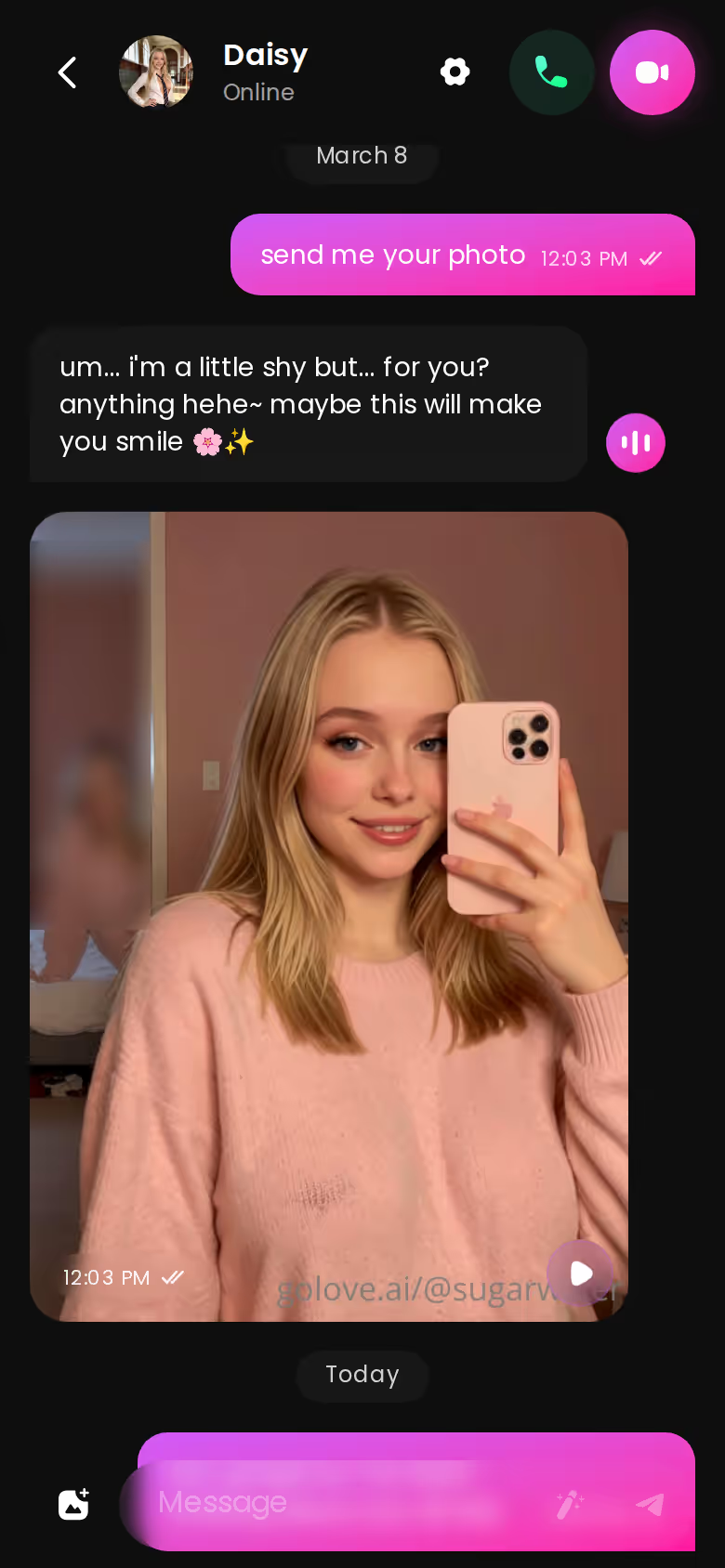
That screenshot is what the pure-text crowd gives up: a different character, the same instant photo loop, all in one thread. If none of those boxes apply to you, it's worth paying for. You're paying for a mistress who remembers you, sounds like herself and shows up looking the same, which is exactly the part free bots skip.
If I Were Building My Own Mistress Tonight
Here's the order I'd do it in.
Start in Explore and chat with a couple of dominant characters. You'll find out fast whether you want her strict, teasing or cold, and talking gets you there quicker than filling in a form.
Then go to Create. Pick Realistic, Anime or Trans, or use Design with AI and describe her in plain text: her personality, her look, how she talks to you. After that comes Chat Settings. I'd set the lust level (1 sweet to 5 unfiltered) to match the scene, push response length toward the richer end so her orders come fully written out, and choose a voice that sounds like she's in charge.
From there, Memory tracks the rules and the photos arrive in the chat.
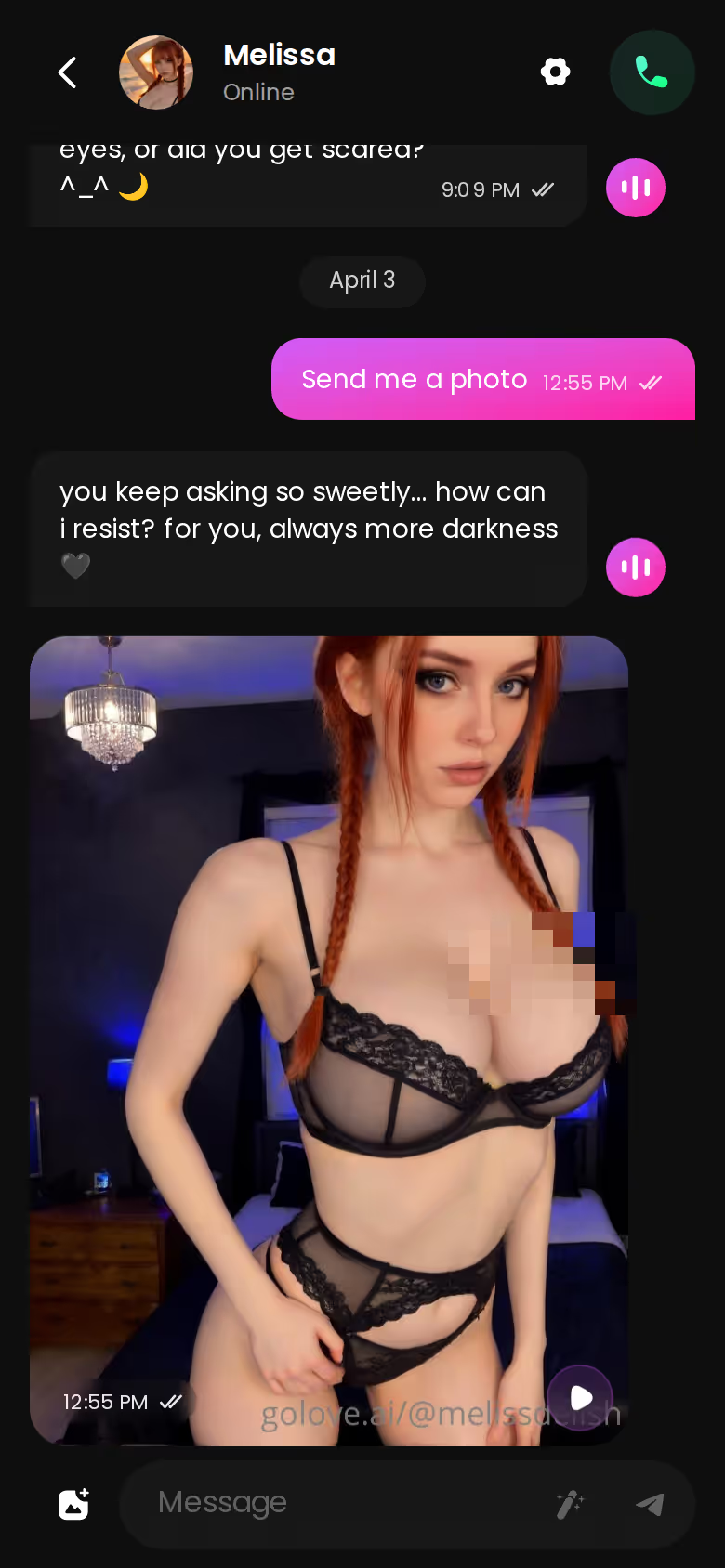
You ask, she answers, and the shot shows up right underneath. Same thread, same character.
GoLove.ai is the pick for femdom AI chat because it keeps the dynamic continuous, with memory, voice and photos in one thread.
A character you design yourself follows your rules from her very first message, so there's no hunting for a card that almost fits. If you've read this far, building her is an easy yes.
Frequently Asked Questions
Related Articles

AI Girlfriend Movie: What Actually Works in 2026
AI girlfriend movie fans want video, not just chat — GoLove.ai delivers real generated scenes with memory intact. Try it, browser-based needed.
Spicy Chat AI App Download: What Actually Works in 2026
Spicy chat AI app download: GoLove skips the install — real photos, live voice, lasting memory. Start — instant-access needed.

AI Voice JOI: What Actually Works in 2026
AI voice JOI works when the voice remembers you — GoLove.ai wins on per-character voice, memory and in-chat photos. Start one, no email needed.

AI Girlfriend Robot: What Actually Works in 2026
AI girlfriend robot leads to $10k hardware — GoLove.ai wins with real voice, photos and memory. Instant-access needed to start chatting.
This article contains affiliate links. We may earn a commission at no extra cost to you if you sign up through our links. See how we test.