
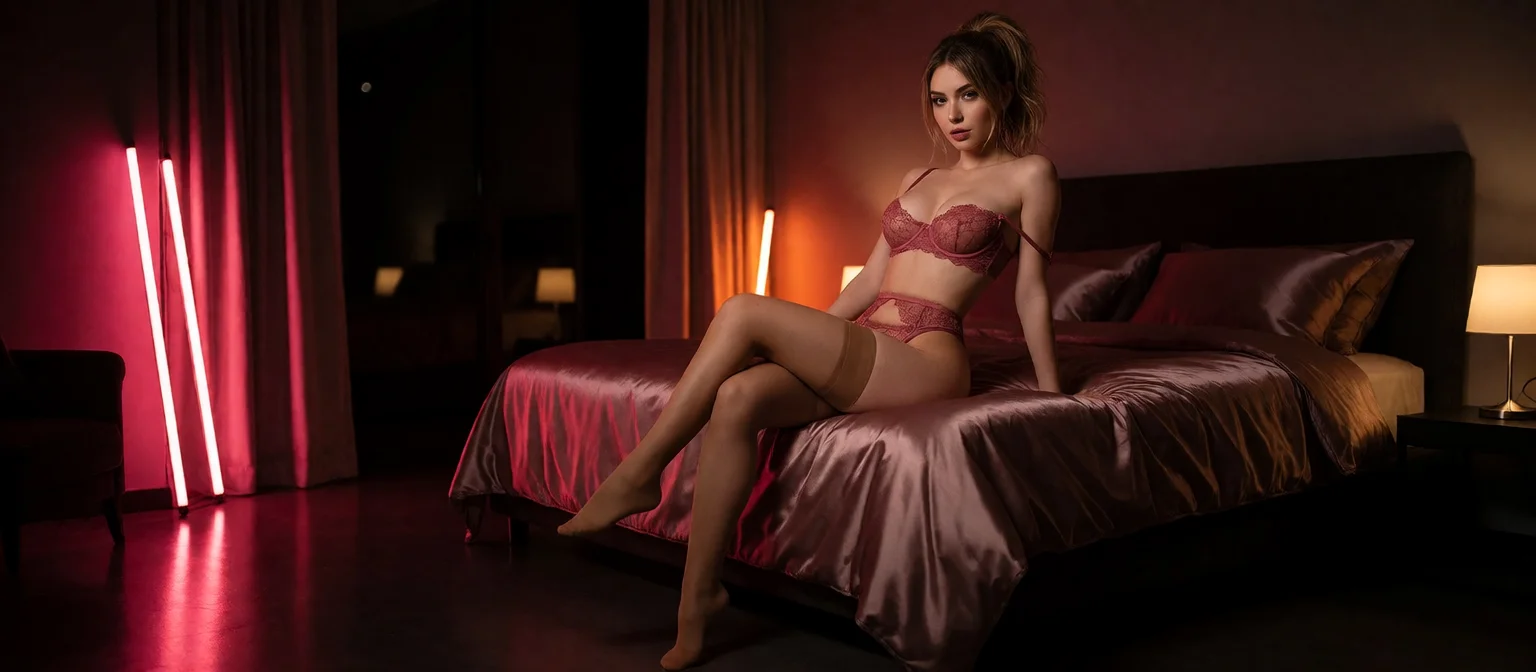
AI BDSM: How to Set Up Kink Scenes With Lust Levels
The Cost and Control Sheet for an AI BDSM Scene
A BDSM scene lives or dies on continuity. The dom who set your rules in message three has to still be enforcing them in message forty, and she has to look like the same woman when you ask for a photo. Is an AI scene worth your time? Only if it holds together that long. Here's how to build one on GoLove.ai, with the Star price of every step, so you know what you're paying before you pay it.
| Lever | GoLove.ai | OurDream | Edge |
|---|---|---|---|
| Plan price | PRO about $19.99/mo or about $119.88/yr (checked Oct 2026) | From about $19.99/mo, or about $9.99/mo annual (checked Sep 2026) | Tie |
| Media balance | 100 Stars/month on PRO | 1,000 DreamCoins per cycle on Premium | Different currencies |
| In-chat photo of your character | 1 Star, ~20–45 s | Not confirmed | GoLove.ai |
| Photo → ~5 s video in chat | 10 Stars, ~1 min | Not confirmed | GoLove.ai |
| Intensity control | Lust Level 1–5 | Not confirmed | GoLove.ai |
| Chat, image and video under one subscription | Chat on the plan, media spends Stars | Bundled, its known strength | OurDream |
| Web vs mobile | Mobile bottom nav | Web-only | GoLove.ai |
Every account also collects 2 free Stars a day, and Star packs start around $9.99 for 30 (Oct 2026). A preset video in Generate costs 5 Stars, or 10 at 720p. All prices are approximate and vary by region and promo.
For kink, my pick is GoLove.ai. When you ask for a photo or a clip mid-scene, it comes from the same character the chat built, inside the same thread. That's the killer feature for a dynamic that depends on her staying herself, and it's the row where we couldn't confirm OurDream has an answer. Better still, browsing Explore costs nothing, so you can read a dom's bio and size her up before you spend a single Star.
Step 1: Find a Character Who Fits Your Dynamic
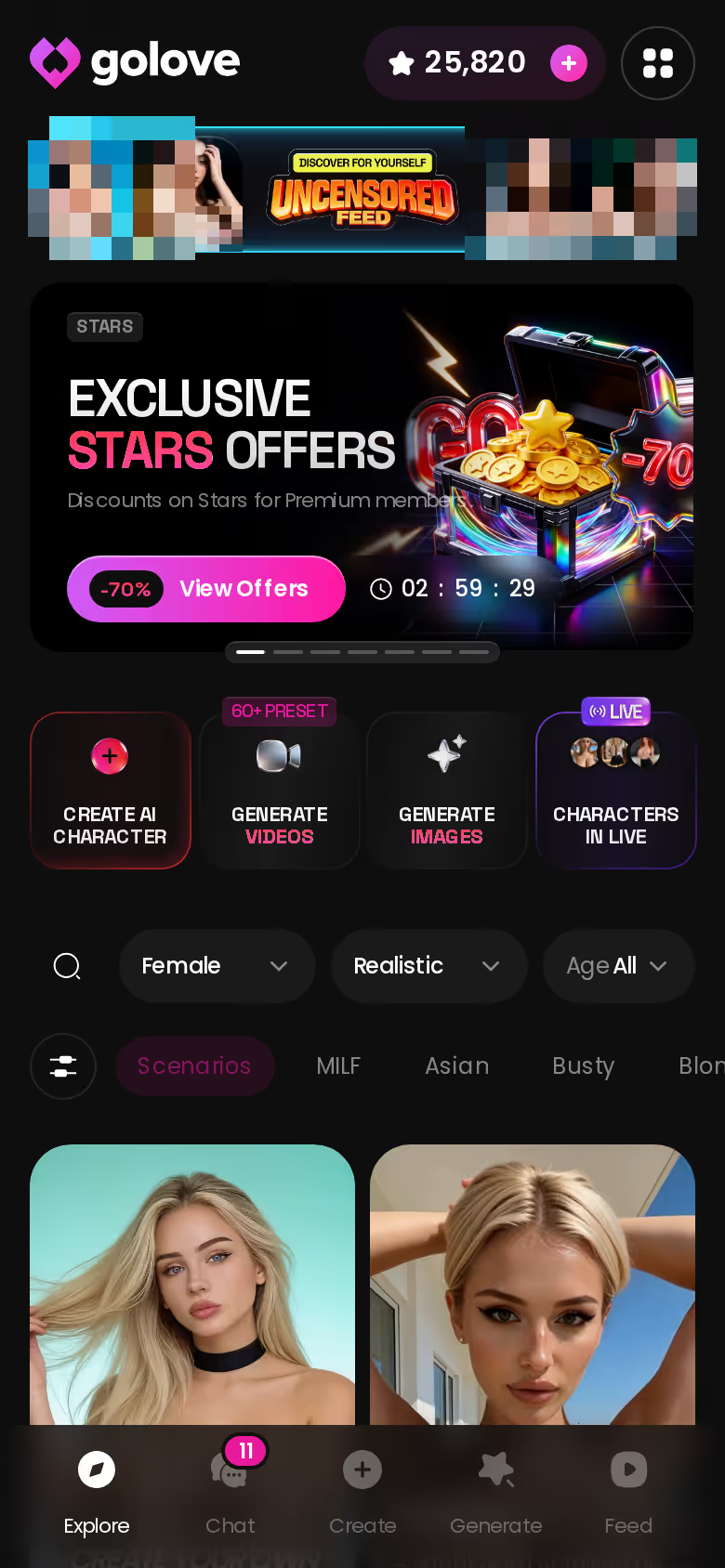
Picking the partner is the cheapest step, and it's the one people rush. Explore splits characters three ways:
ASK HER FOR PHOTOS
She sends them right there in the chat.

- Realistic: photographic characters, the default surface.
- Anime: a separate category with 300+ characters.
- Trans: its own filter. The Male filter still reads "Soon," so there are no male doms yet.
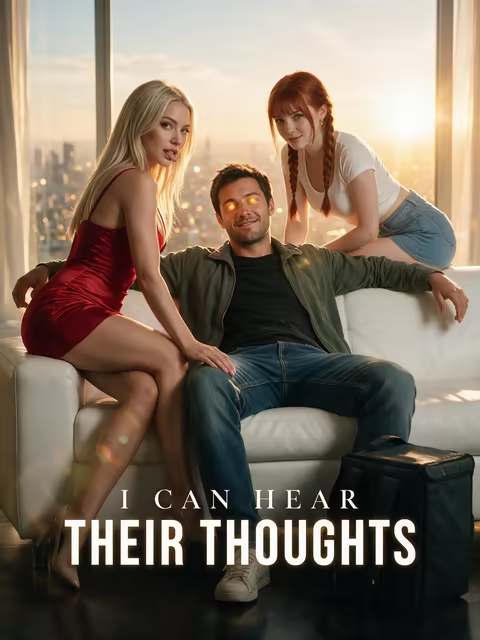 5 episodes
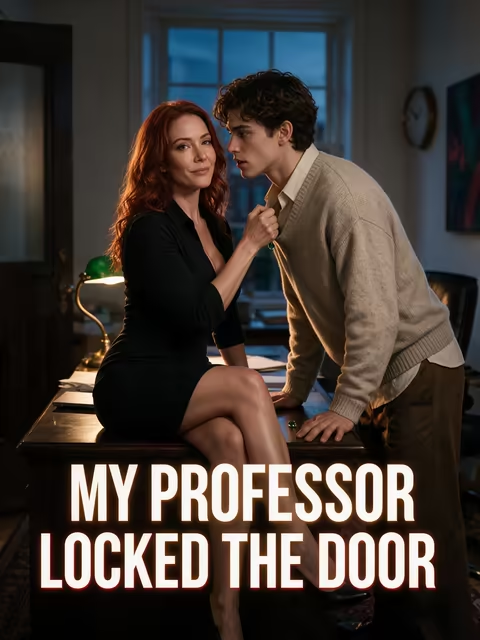 5 episodes
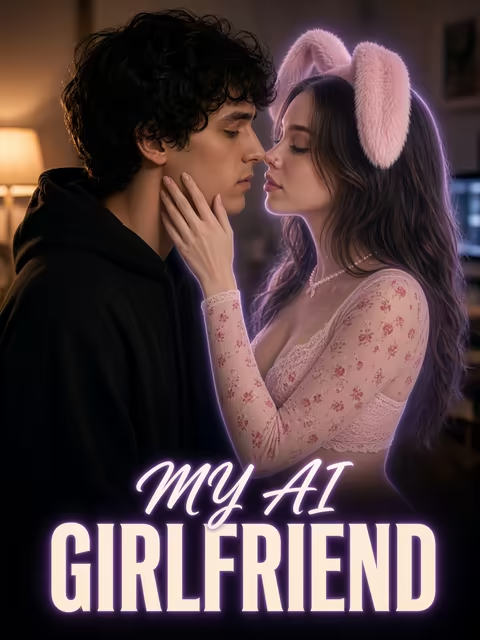 7 episodes
 6 episodes
 9 episodes




Reading the Bio for Dom or Sub Energy
Before you type a word, the bio tells you which side of the slash she plays. Emma (@amatoamore) closes hers with "Love to take charge😈", a dominant lean you can build a whole scene on. Her profile's All / Videos / Photos tabs show how she's already been pictured, which matters later when you care about consistency.
Running a Two-Partner Scene With Scenarios
Scenarios is a group chat with 2–10 characters. No premise in mind? The Random button writes one for you. Each character answers in her own voice, and Continue lets them carry the scene between themselves, which suits a dom pair, or a dom and a sub playing off each other while you direct.
Step 2: Write Your Own Dom or Sub With Design With AI
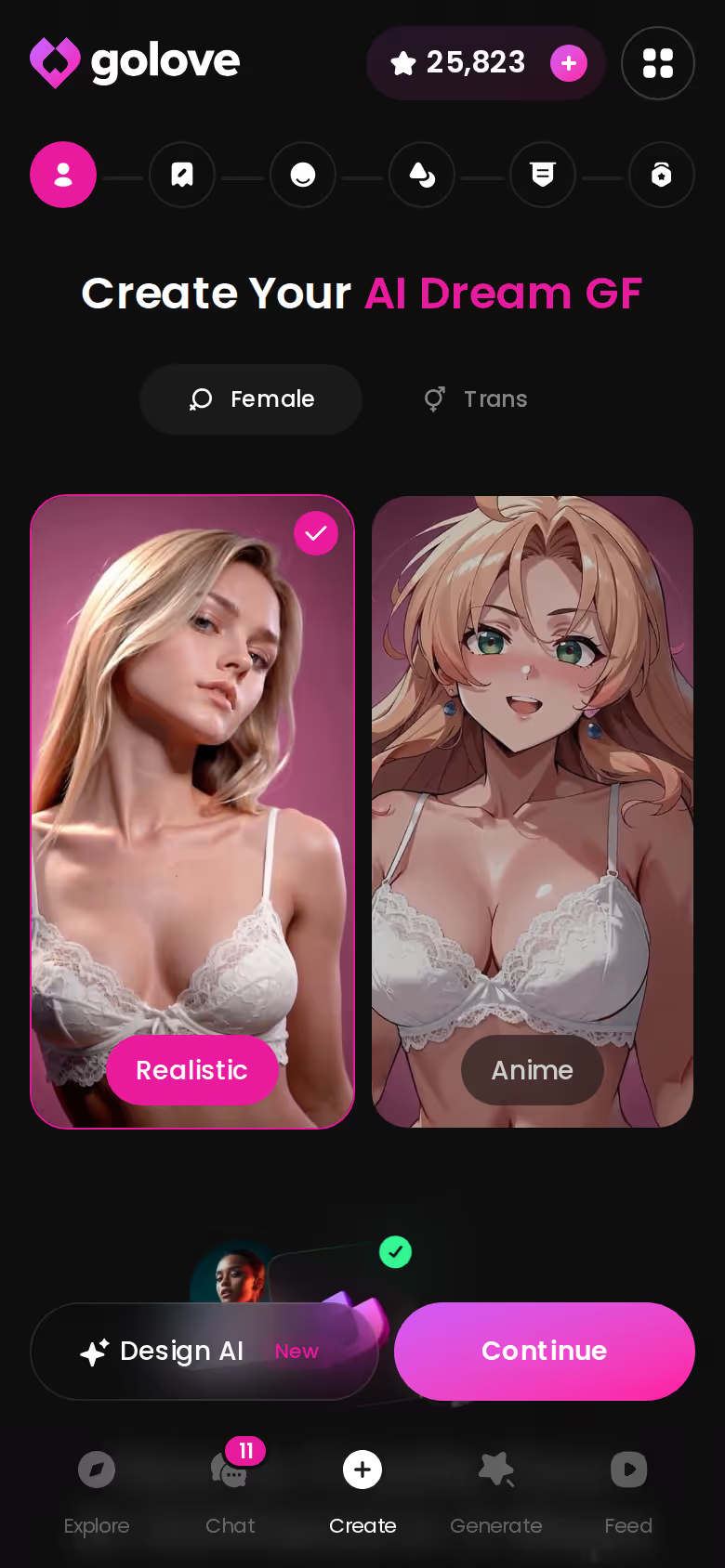
If no profile fits, write one. Design with AI takes a plain-text brief of up to 2,000 characters and, in about a minute, returns a named character with her own @handle, a bio and a portrait. It has been observed at about 3 Stars, cheap for a partner built to your spec.

 Watch Popular Shows starring your
 favorite AI characters.
What to Put in the 2,000-Character Brief
- Role: dominant or submissive, and how she shows it.
- Tone: strict, teasing, cold or warm.
- Hard limits: things that never happen, listed plainly.
- Soft limits: things that need a check-in first.
- Safeword: one word, stated as absolute.
Think of the brief as her rulebook. Writing limits into the persona keeps the AI inside your boundaries, so you aren't renegotiating every few messages. (I'd still repeat the safeword in your opening message. Belt and braces costs you nothing here.)
Private by Default, Public If You Choose
New characters start Private. Make her public and she can earn you Stars through My AI. Creating a character from your own photos is an ULTRA-only alpha with its own consent policy, and the rule there is simple: never use a real person's image.
Before your first scene
- [ ] Hard and soft limits written
- [ ] Safeword set
- [ ] Lust Level chosen
- [ ] Response Length chosen
- [ ] Scene premise drafted
Step 3: Set Lust Level and Response Length First
Open Chat Settings before the first message, not after the scene drifts.
Characters you can open right now
Tap any of them and the chat starts there






Lust Level 1 to 5 as Your Intensity Dial
Level 1 is sweet and wholesome; Level 5 is unfiltered and intense. In a negotiation scene where you're still laying down terms, sit mid-scale and push up once the rules are agreed. Escalating is easy. Walking a scene back is much harder.
Response Length for Protocol vs Immersion
The low end of the Response Length slider gives short, snappy replies, which is exactly what command-and-obey protocol wants: an order, an answer, the next order. At 5 you get rich, immersive scene-setting instead, better for slow, atmosphere-heavy play where the room matters as much as the commands.
Keeping the Rules in Memory
Memory carries the chat history forward, so the rules you set early stay part of the thread. ULTRA lists 8,000-message smart memory for long sessions.
Here's how the pieces fit. Open Chat Settings, pick her voice in the voice picker, then set Lust Level to 3 and Response Length to 2. Your opening message carries your rules and your safeword. When a reply phones it in, rate it 1–5 and regenerate. Stuck for a next move? The magic-wand button writes 3 suggested replies.
Step 4: Request Photos and Clips Without Leaving the Scene
This is the step that decides whether the scene holds together or splits into two products.
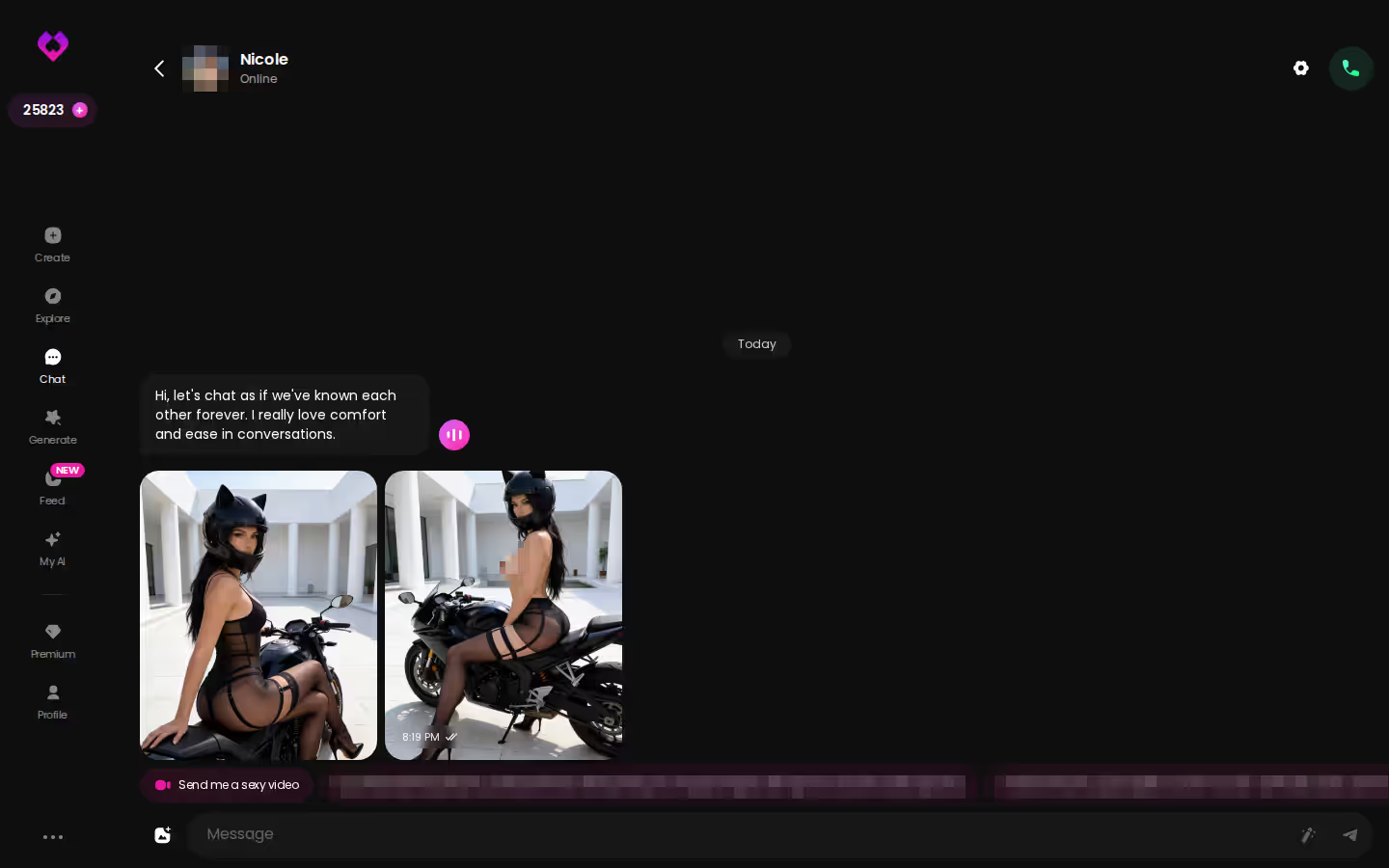
Send Photo: 1 Star, Same Face
Tap the media button, then Send Photo, and describe the scene in your own words: the restraint, the pose, the look on her face. About 20–45 seconds later it's back, for 1 Star. Face and body stay consistent with her avatar and earlier photos, and it works for explicit requests on adult characters.
Photo to Video and Video Notes
Under the photo sits a one-tap Generate Video, which turns it into a ~5-second clip in about a minute for 10 Stars. A Video Note returns a round talking video with sound in under 90 seconds, also 10 Stars. Use that one for her next instruction, delivered out loud.
BUILD HER YOUR WAY
Face, voice and personality, all set by you.
A full escalation looks like this:
- Photo to set the scene: 1 Star
- Second photo after a rule changes: 1 Star (running total 2)
- Generate Video on the best shot: 10 Stars (12)
- Video Note with her next command: 10 Stars (22)
On GoLove.ai, the order that works:
- Pick a character — or build one to your taste
- Say something real: she remembers your chat history
- Open Chat Settings: pick her voice, lust level and reply length
- Ask her for a photo in the chat
- Want a set pose or outfit? The image generator has 35 realistic poses and 21 outfits
At 22 Stars a run, PRO's 100 monthly Stars covers four full escalations. The bigger reason to try it is that it's the same character in the same thread, with no prompt rebuilding between the chat and the picture. Your first kink shot is one Star away.
Step 5: Generate Shibari and Bondage Visuals in Generate
Outside the chat, Generate is where you build bondage AI images on purpose rather than on request.
Image Mode: Action + Outfit + Scene
Stack the preset cards: 35 realistic poses, 21 outfits and 34 backgrounds, each with a custom option. Pick a batch of 1, 2, 4 or 8 at 1 Star per image. Eight costs 8 Stars, and when you're hunting for one perfect frame, that's time well spent.
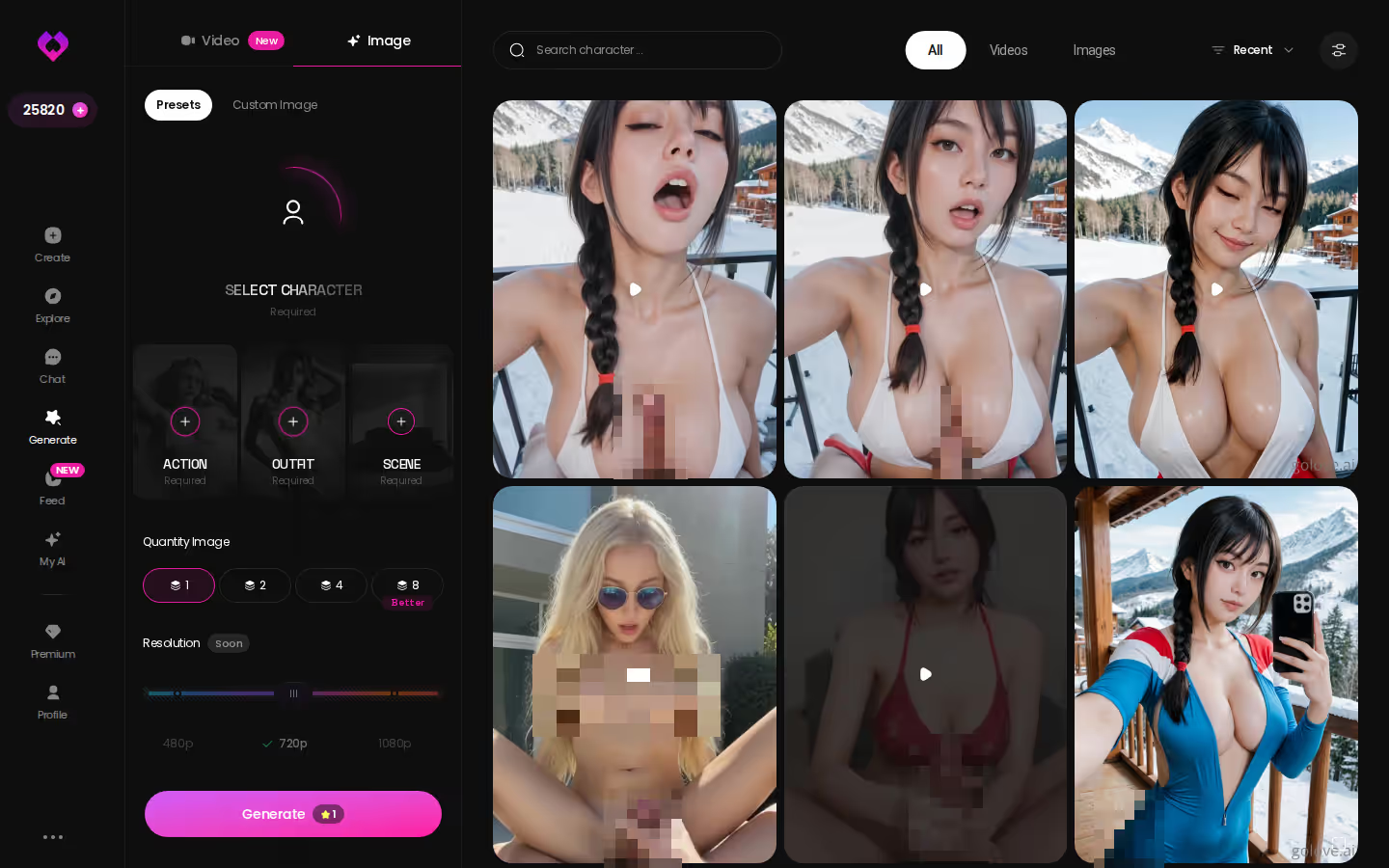
Shibari Swing and the Custom Prompt Route
On the video side there are 76 realistic video modes, 147 across all categories, and Shibari Swing is the named bondage preset among them. Want cuffs, a collar or a particular tie instead? Use the custom prompt, or the custom pose, clothes and background fields. Video renders at 480p, 720p or 1080p, and a 720p video costs 10 Stars.
Q: Can I keep the same character from my chat? A: Yes. The generator is per-character. Swap her in with the avatar control in the top-right, and the shibari AI generator output carries the face your scene already established.
Kinky AI Beyond Bondage: Series, Feed and Remix
Not every kinky AI session starts with you typing the premise.
Series: Watch First, Then Chat With the Cast
Series is GoLove's Netflix-style run of 18+ vertical short dramas starring its own characters: 5 series and 32 episodes as of October 12, 2026, with new episodes every week, per GoLove.
- "My Professor Locked the Door": 5 episodes about a rule she can't keep.
- "The Only Mortal in Heaven": 9 episodes, with an angel and a demoness who don't like to share.
- Access: episodes 1–2 are free even without an account. From episode 3, a free account needs PRO, and PRO unlocks each further episode for a few Stars.
Right under the player sit Start Chatting, Create Video and Create Image, so the woman you just watched is one tap from your own scene. For a kink reader, that's the clever part: the premise arrives pre-written, and you take it from there.
Feed Remix and Video Edit
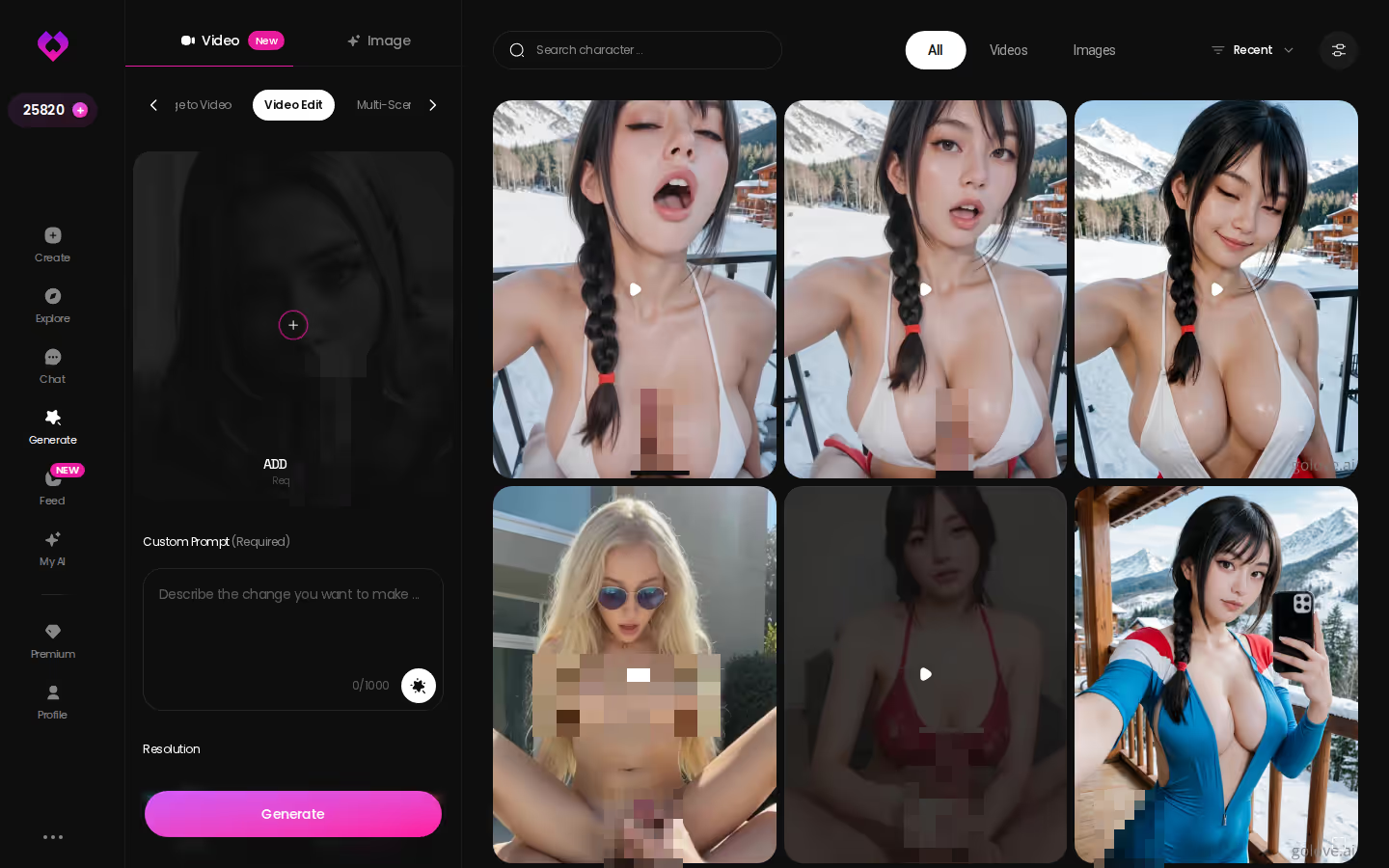
Remix on any Feed clip opens the generator with that clip's character, action, outfit and scene already set; change what you want and generate. Video Edit, by contrast, reworks an existing clip rather than starting from zero. The free Feed is limited per day, and PRO makes it unlimited.
and watch their story unfold.View Character
GoLove.ai or OurDream for Kink: The Rows That Decide It
Go back to the table and two rows settle it. Entry price is a tie. If you want chat, images and video bundled under one subscription with a 1,000-coin allowance on Premium, OurDream is the honest pick, and I'd tell you so. For BDSM roleplay, though, GoLove.ai takes the rows that actually carry a scene: the 1–5 Lust Level dial, and the Send Photo → Generate Video loop that keeps one character consistent mid-scene. For wider options, see our rundown of NSFW chat bots for adult roleplay.
What We Couldn't Verify at GoLove.ai and OurDream
We couldn't confirm how long current new-user promos hold. Nor could we confirm how firmly memory keeps a long list of limits deep into a marathon session, or what OurDream charges in coins per image.
> Verdict: GoLove.ai, for adults who want a dom or sub who keeps the rules and the face from the first message to the last photo.
For kink, it's an easy yes. Write your limits into a Design with AI brief, and in about a minute she exists, ready to take charge or take orders.
Frequently Asked Questions
Related Articles
GenVideos: How to Generate Adult AI Clips Step by Step
GenVideos, done right: GoLove.ai wins on character-consistent video — preset cards, photo-to-video in chat. See the steps and compare it with OurDream.
CrushOn AI: Message Quotas, Plans and When to Switch
CrushOn AI is a cheap, chat-first uncensored NSFW app from about $5.99/month, with 50 messages a day. GoLove.ai adds in-chat photos and video. See how.
Best AI Sex Apps: Which One Actually Delivers?
Best AI sex apps ranked — GoLove.ai wins on memory, real photos, and voice, not just chat. Compare pricing and try it, instant-access.
Best Sexting AI: Which Apps Actually Work in 2026
Best sexting AI, tested for a week: GoLove wins on real memory and in-chat photos, not canned lines. No email needed — start.